On-Page SEO Checklist: 20 Steps to Optimize Every Blog Post
On-page SEO is everything you control on the page itself to help it rank: the words, the structure, the images and the links. Unlike link building, you can do all of it today. Use this checklist every time you publish or update an article.
What Is On-Page SEO?
On-page SEO is the practice of optimizing individual web pages so search engines can understand them and users find them helpful. It includes content quality, keyword placement, title tags, headings, URLs, images, internal links and page experience.
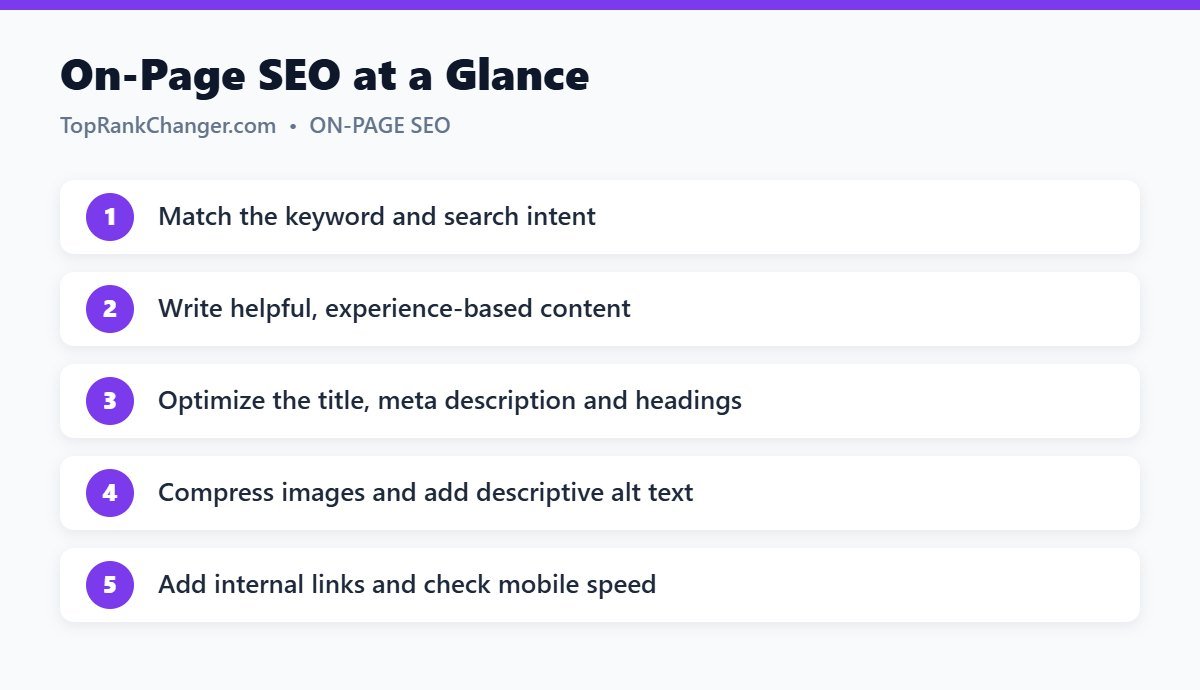
Before You Write
☑ 1. Choose one primary keyword
Each page should focus on one main topic. Pick a primary keyword and a few close variations. See our keyword research guide if you need help.
☑ 2. Confirm the search intent
Search the keyword and study the top results. Match the content type, format and angle that Google already rewards. Read more about search intent.
☑ 3. Outline what the top results cover — and what they miss
Note the subtopics every top result includes. Then look for gaps: questions left unanswered, outdated information, missing examples. Filling those gaps is how you create something better, not just similar.
Content
☑ 4. Answer the question quickly
Give a direct answer or summary near the top. Readers who get what they came for stay longer and trust you more.
☑ 5. Show real experience
Add personal tips, screenshots, examples, results and mistakes you have made. First-hand experience is difficult to copy and is a key part of what Google calls E-E-A-T.
☑ 6. Make it easy to read
- Short paragraphs of two to four sentences
- Bullet points and numbered steps
- Simple words and clear explanations
- Tables for comparisons
☑ 7. Use the keyword naturally
Include your main keyword in the first paragraph or two and use related terms throughout. Never force it. If a sentence sounds unnatural when read aloud, rewrite it.
☑ 8. Keep it accurate and up to date
Check facts, cite reliable sources and update statistics. Add a visible “last updated” date when you refresh content.
HTML Elements
☑ 9. Write a compelling title tag
About 50–60 characters, keyword near the beginning, with a clear benefit. Full guide: how to write title tags and meta descriptions.
☑ 10. Write a unique meta description
About 120–160 characters that summarize the page and encourage the click.
☑ 11. Use one H1 and a logical heading structure
Your post title is normally the H1. Use H2s for main sections and H3s for subsections. Headings should describe what follows, so a reader skimming headings alone understands the article.
☑ 12. Create a short, descriptive URL
Good: /on-page-seo-checklist/. Bad: /2026/09/25/the-ultimate-list-of-on-page-seo-things-to-do-post-4/. Avoid dates in URLs for content you plan to update.
Images and Media
☑ 13. Compress images
Large images are one of the most common causes of slow pages. Resize images to the size they display, and use modern formats like WebP where possible.
☑ 14. Add descriptive alt text
Alt text describes an image for visually impaired users and helps search engines understand it. Describe what the image shows; include a keyword only when it fits naturally.
☑ 15. Use descriptive file names
french-press-coffee-ratio.jpg is better than IMG_4829.jpg.
Links
☑ 16. Add internal links
Link to two to five related articles on your site using descriptive anchor text, and add links from older related posts back to the new one. Learn more in our internal linking guide.
☑ 17. Link to trustworthy external sources
Citing official documentation, studies or original data supports your claims and helps readers.
Page Experience
☑ 18. Check mobile display
Preview the page on a phone. Text should be readable without zooming, and buttons should be easy to tap.
☑ 19. Check page speed
Test with Google PageSpeed Insights and fix major issues. See our guide to Core Web Vitals.
☑ 20. Avoid intrusive pop-ups
Full-screen pop-ups that block content right away frustrate users, especially on mobile.
After Publishing
- Request indexing in Google Search Console for important new pages.
- Share the article with your audience.
- After four to eight weeks, check which queries it ranks for and improve the content to better cover them.
Final Thoughts
On-page SEO is not about tricks. It is about making each page clear, complete and pleasant to use. Bookmark this checklist and run through it every time you publish — small improvements across every page add up to big ranking gains.