Topic Clusters and Pillar Pages: How to Build Topical Authority
Publishing random articles can bring some traffic, but organizing your content into topic clusters helps Google see your site as an authority on a subject. It also makes your site easier for readers to explore.
What Are Topic Clusters?
Topic clusters are groups of related articles organized around one central theme. Each cluster has:
- A pillar page – a broad, comprehensive guide to the main topic.
- Cluster content – detailed articles covering specific subtopics.
- Internal links connecting the pillar and cluster pages.
Example Cluster
Pillar: The Complete Guide to Houseplants for Beginners
- How often to water houseplants
- Best low-light houseplants
- How to repot a plant
- Why are my plant leaves turning yellow?
- Pet-safe houseplants
The pillar introduces each subtopic briefly and links to the detailed article. Each detailed article links back to the pillar.
Why Topic Clusters Work
- Topical authority: covering a subject thoroughly shows depth.
- Better crawling: strong internal linking helps Google find and understand every page.
- Better user experience: readers can easily go deeper.
- No cannibalization: each page has a clear, distinct job.
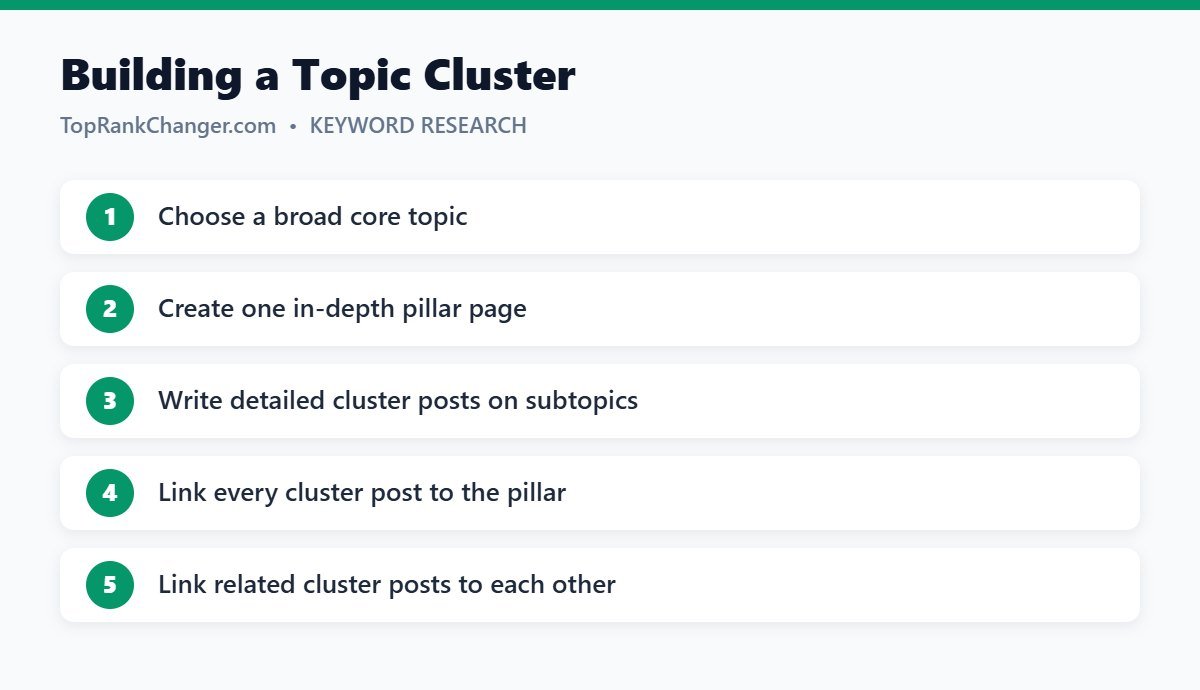
How to Build Topic Clusters
- Pick core topics. Choose three to five main themes your blog covers.
- Research subtopics. Use keyword research to list every question in each theme.
- Group keywords. Put close variations together; each group becomes one article.
- Plan the pillar. Outline a broad guide that touches each subtopic.
- Publish cluster posts first if they are easier to rank, then the pillar — or both in parallel.
- Link everything. Follow our internal linking guide.
Tips
- Finish one cluster before starting many others. Depth beats breadth early on.
- Use categories that match your clusters to keep navigation clean.
- Update the pillar whenever you publish a new cluster article.
Final Thoughts
Topic clusters turn a pile of posts into an organized resource. Plan your core topics, cover them completely and link them together — and your whole site becomes stronger in search.