WordPress Permalinks: The Best Structure for SEO (and How to Change It)
Permalinks are the permanent URLs of your posts and pages. Choosing the right WordPress permalinks structure from the start keeps your URLs clean, readable and SEO-friendly.
What Are WordPress Permalinks?
A permalink is the full URL of a piece of content, such as https://example.com/best-hiking-boots/. WordPress lets you choose the pattern it uses for all posts under Settings → Permalinks.
The Available Structures
- Plain:
/?p=123– not descriptive; avoid. - Day and name:
/2026/09/25/sample-post/ - Month and name:
/2026/09/sample-post/ - Numeric:
/archives/123 - Post name:
/sample-post/ - Custom: your own pattern, such as
/%category%/%postname%/
The Best Structure for Most Blogs
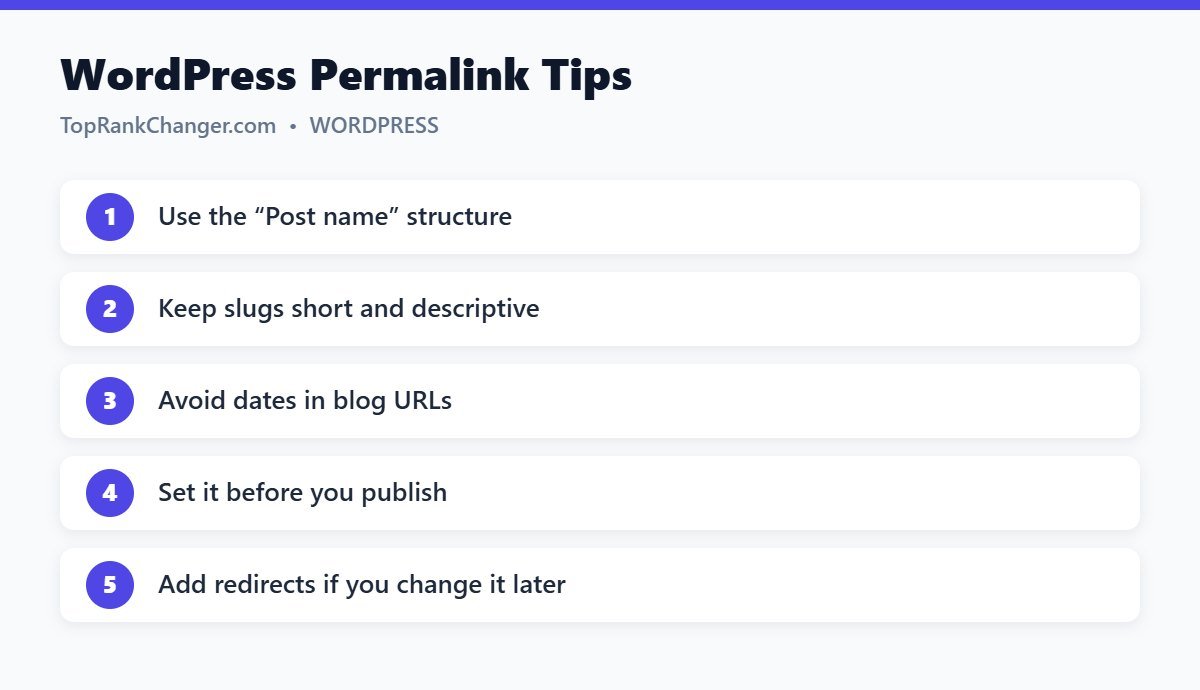
Post name is the best choice for most blogs. It creates short, descriptive URLs and doesn’t tie content to a date, which matters when you update evergreen articles.
News sites sometimes prefer dates in URLs because their content is time-sensitive. Category-based URLs can work for large, well-organized sites, but they make URLs longer and break if you recategorize a post.
Editing Individual Slugs
WordPress creates a slug from your title automatically. Long titles create long slugs, so edit the slug in the post settings panel before publishing. Follow our tips for SEO-friendly URLs.
Changing Permalinks on an Existing Site
Changing the structure on a site with indexed content changes every URL. If you must do it:
- Back up your site.
- Note the old structure.
- Change the setting.
- Set up 301 redirects from the old pattern to the new one (a redirect plugin can handle pattern-based rules).
- Update internal links and resubmit your sitemap.
- Monitor Search Console for errors.
Expect some ranking fluctuation. For established sites, only change when the benefit is clear. See 301 vs 302 redirects.
Final Thoughts
Set WordPress permalinks to “Post name” before you publish your first post, write short slugs, and you will never have to think about it again.