
How to Use Google Autocomplete and People Also Ask for Keyword Ideas
Some of the best keyword research tools are free and built right into Google. Autocomplete and People Also Ask reveal what real people search for, in their own words. Here is how to use them.
Google Autocomplete
When you start typing in Google, it suggests completions based on real search activity. These suggestions are a goldmine of keyword ideas.
How to use it
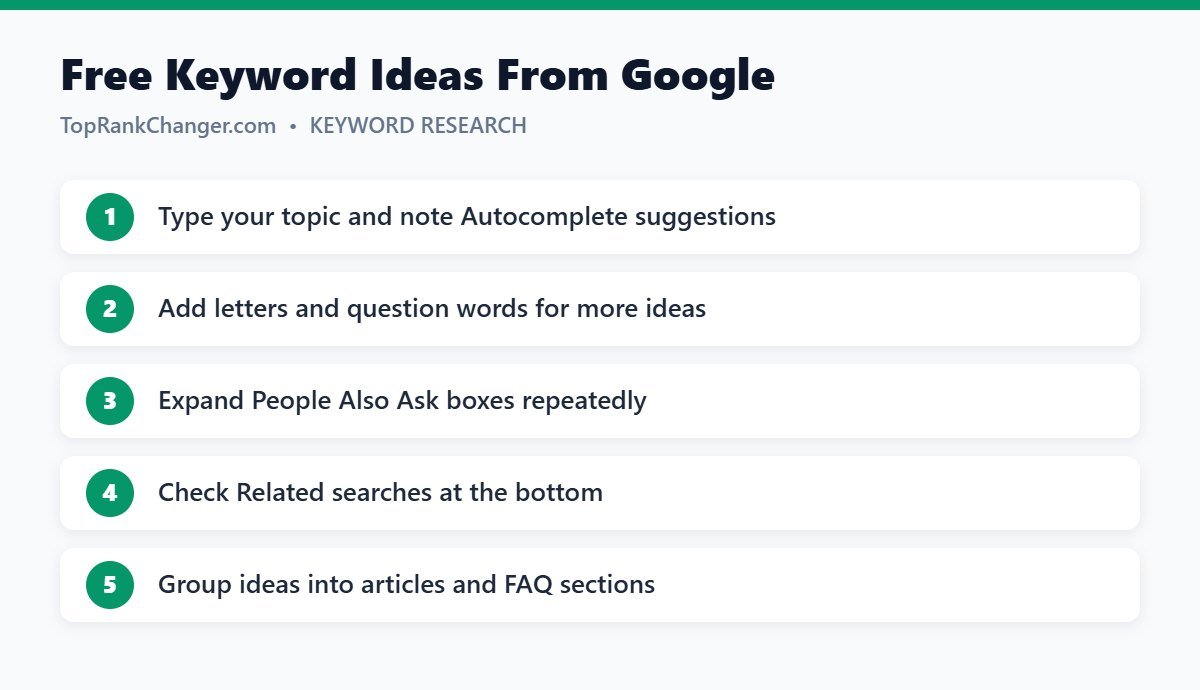
- Type your seed topic, such as “sourdough”, and note the suggestions.
- Add each letter of the alphabet: “sourdough a…”, “sourdough b…”.
- Add question words before the topic: “how sourdough…”, “why sourdough…”, “can sourdough…”.
- Try modifiers: “for beginners”, “without”, “vs”, “best”.
People Also Ask
The People Also Ask (PAA) box shows related questions. When you click one to expand it, Google often loads more questions, letting you explore a topic in depth.
How to use it
- Search your main keyword and expand several PAA questions.
- Note which questions keep appearing — they reflect common concerns.
- Use strong questions as H2 or H3 headings in your article.
- Use smaller questions in an FAQ section.
- Questions that deserve long answers can become separate articles.
Related Searches
At the bottom of the results page, Related searches show more variations and adjacent topics — useful for finding new clusters.
Turning Ideas Into Content
- Collect ideas in a spreadsheet.
- Group near-identical phrases together.
- Check search intent for each group.
- Decide: main article, section, or FAQ?
Then follow our full process in keyword research for beginners.
Tips
- Use a private or logged-out browser window for less personalized suggestions.
- Change the region setting if you target another country.
- Remember suggestions don’t show volume — validate with other tools if needed.
Final Thoughts
Autocomplete and People Also Ask are free, fast and based on real searches. Use them before every article to understand what your readers want and to make your content more complete.