Schema Markup for Beginners: How Structured Data Helps SEO
Search engines are smart, but they still benefit from clear labels. Schema markup is a way to label your content so Google understands exactly what it is — a recipe, a product, an article, a how-to guide — and sometimes displays it with extra features in search results.
What Is Schema Markup?
Schema markup (also called structured data) is code that describes the content on a page using a shared vocabulary from Schema.org. For example, on a recipe page it can say which text is the cooking time, the calories and the rating.
Google recommends the JSON-LD format, which sits in a script tag and doesn’t change what visitors see:
<script type="application/ld+json">
{"@context":"https://schema.org","@type":"Article",
 "headline":"Schema Markup for Beginners",
 "author":{"@type":"Person","name":"Jane Doe"}}
</script>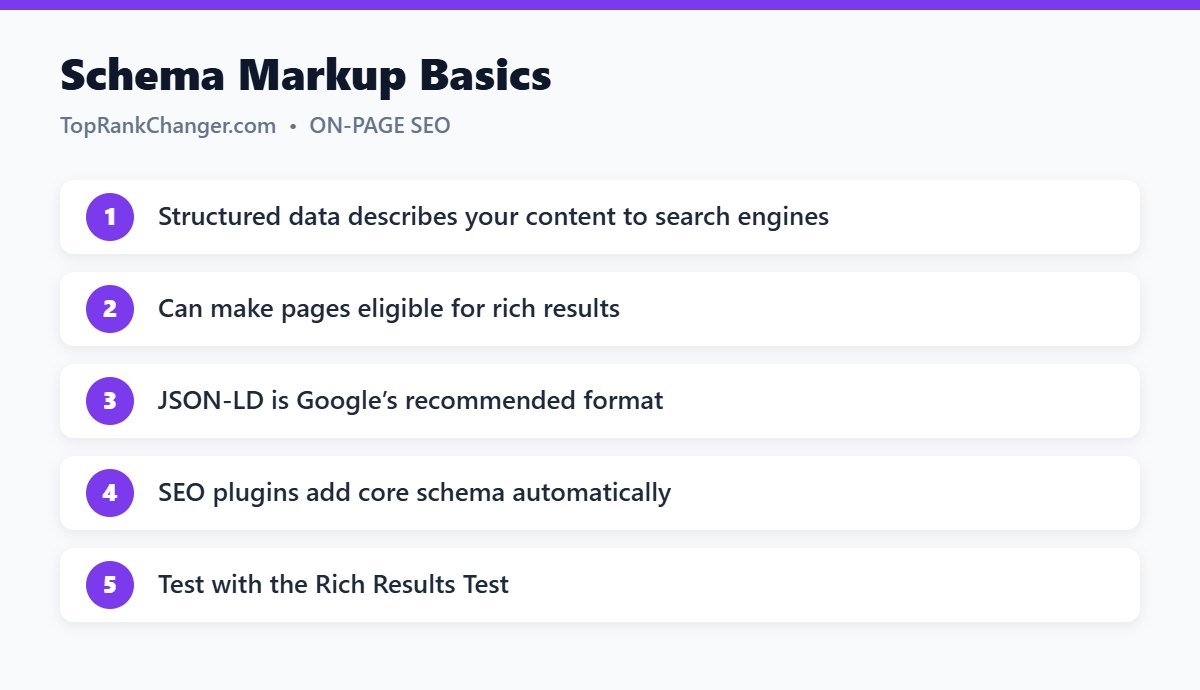
Why Schema Markup Matters
- Rich results: structured data can make pages eligible for enhanced listings such as review stars, recipe details, product prices, event dates and breadcrumbs.
- Better understanding: it helps search engines connect your content with entities like your organization, authors and topics.
- Higher click-through: rich results stand out and can attract more clicks.
Schema markup is not a direct ranking boost, and rich results are never guaranteed. Google decides when to show them.
Common Schema Types for Bloggers
- Article / BlogPosting – for blog posts
- BreadcrumbList – shows your site structure
- Organization / Person – who is behind the site
- Recipe – essential for food blogs
- Product and Review – for product reviews
- VideoObject – for pages with videos
Note that Google has reduced how often it shows some rich results, such as FAQ and HowTo results, so focus on the types that fit your content.
How to Add Schema in WordPress
- SEO plugins: Yoast SEO and Rank Math automatically add Article, Organization, Website and Breadcrumb schema. Set your site representation (organization or person, logo and name) in the plugin settings.
- Specialized plugins: recipe card plugins add Recipe schema; review plugins add Review schema.
- Manual JSON-LD: for special cases, add custom code with a header script plugin.
How to Test Schema Markup
- Rich Results Test (Google) – shows which rich results a page is eligible for and any errors.
- Schema Markup Validator – checks general Schema.org validity.
- Search Console Enhancements reports – monitor structured data across your site.
Rules to Follow
- Mark up only content that is visible on the page.
- Don’t add fake reviews or ratings.
- Keep information accurate and up to date.
Misleading structured data can lead to a manual action that removes rich results from your site.
Final Thoughts
For most blogs, your SEO plugin handles the essentials. Configure it properly, add specialized schema where it fits your content, and test important pages. Then keep your focus on great content — see our on-page SEO checklist.