How to Start a Blog That Gets Traffic: A Step-by-Step Guide for Beginners
Starting a blog is one of the most affordable ways to build an online business, share your expertise or create a side income. The technical part is easier than ever — the real key is making smart decisions from day one. This guide walks you through every step.
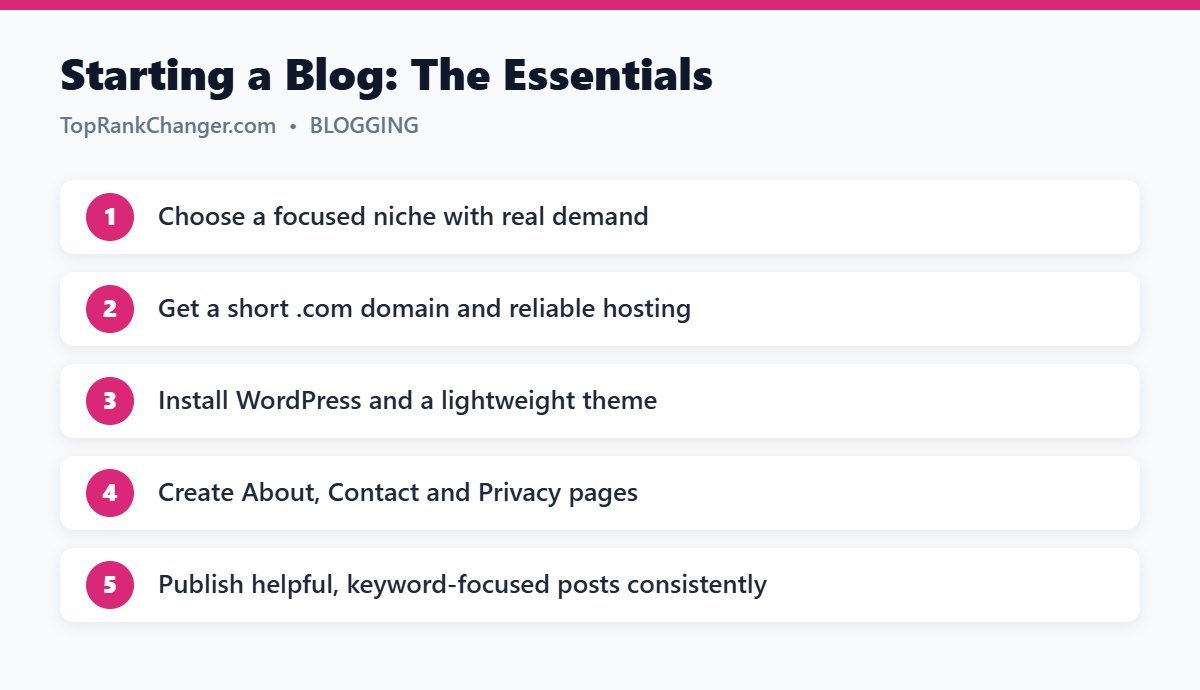
Step 1: Choose a Niche
A niche is the main topic your blog covers. A focused niche helps you build authority faster, attract a loyal audience and rank on Google. Good niches usually sit where three things overlap:
- Interest or experience – you can write about it for years.
- Audience demand – people actively search for information about it.
- Monetization potential – there are ads, affiliate products or services related to it.
Popular, ad-friendly niches include food and recipes, home and garden, personal finance, travel, parenting, pets, health and fitness, and technology. Narrowing down (for example, “budget travel in Southeast Asia” instead of “travel”) makes it easier to stand out.
Step 2: Pick a Domain Name
- Keep it short, easy to spell and easy to remember.
- Prefer a
.comwhen available. - Avoid hyphens and numbers.
- Leave room to grow — “HomeCookingHub” is more flexible than “BestAirFryerRecipes2026”.
Step 3: Get Reliable Hosting and Install WordPress
Self-hosted WordPress (from WordPress.org) powers a large share of all websites and gives you full control over design, plugins and monetization. Choose a hosting provider with good speed, free SSL, daily backups and one-click WordPress installation. Most beginner hosting plans are inexpensive and include everything you need.
Step 4: Choose a Lightweight Theme
Your theme controls how your blog looks. Pick one that is fast, mobile-friendly and simple to customize. Kadence, GeneratePress and Astra are popular free options. Avoid heavy themes packed with sliders and animations that slow your site down.
Step 5: Install Essential Plugins
- SEO plugin – Yoast SEO or Rank Math for titles, sitemaps and schema.
- Caching plugin – such as LiteSpeed Cache or WP Rocket for speed.
- Contact form – Contact Form 7 or WPForms.
- Backups and security – if your host does not already provide them.
Keep plugins to a minimum. Each one adds code that can slow down your site.
Step 6: Create Your Essential Pages
Readers, advertisers and ad networks all look for these pages:
- About – who you are and why readers should trust you.
- Contact – a simple way to reach you.
- Privacy Policy – required when you use analytics, ads or collect emails.
- Terms and Disclaimer – especially if you use affiliate links.
Step 7: Plan Your Content
Before writing, build a list of 30–50 article ideas through keyword research. Group them into categories and topic clusters. Start with specific, low-competition questions your audience asks, which are much easier for a new blog to rank for.
Step 8: Write Your First Posts
Great blog posts answer the reader’s question clearly and completely. Include personal experience, examples, photos and practical steps. Use headings, short paragraphs and lists so the content is easy to scan. Follow our on-page SEO checklist for every post.
Step 9: Set Up Google Tools
- Google Search Console to monitor indexing and search performance.
- Google Analytics to understand your visitors and popular content.
Step 10: Publish Consistently and Be Patient
Consistency matters more than volume. Publishing two to three quality posts per week for a year will build far more traffic than 50 rushed posts in one month followed by silence. SEO traffic usually takes several months to build.
How Blogs Make Money
- Display advertising – ad networks pay based on traffic. Premium networks require a minimum amount of monthly traffic, so start with quality content and grow.
- Affiliate marketing – earn commissions recommending products you trust.
- Digital products – ebooks, courses, templates.
- Services – consulting, freelancing or coaching.
Common Beginner Mistakes
- Choosing a niche that is too broad
- Spending weeks on design instead of writing content
- Writing about topics nobody searches for
- Giving up after two or three months
- Ignoring site speed and mobile experience
Final Thoughts
Starting a blog takes an afternoon; growing one takes consistency. Choose a focused niche, set up a fast WordPress site, publish genuinely helpful content and keep going. Every post you publish is a long-term asset that can bring readers for years.