
301 vs 302 Redirects: Which One Should You Use for SEO?
Redirects send visitors and search engines from one URL to another. Choosing between 301 vs 302 redirects matters because it tells Google whether a move is permanent or temporary. Here is how to choose and how to avoid common mistakes.
What Is a 301 Redirect?
A 301 redirect means a page has moved permanently. Google treats it as a strong signal to replace the old URL with the new one in its index and to consolidate ranking signals, such as links, on the new URL.
Use a 301 when:
- You change a post’s URL slug
- You merge two articles into one
- You delete a page and have a close replacement
- You move from http to https, or to a new domain
What Is a 302 Redirect?
A 302 redirect means the move is temporary. It signals that the original URL will return, so Google tends to keep the original URL indexed.
Use a 302 when:
- A page is temporarily unavailable during maintenance
- You are running a short A/B test
- A seasonal product page temporarily points elsewhere
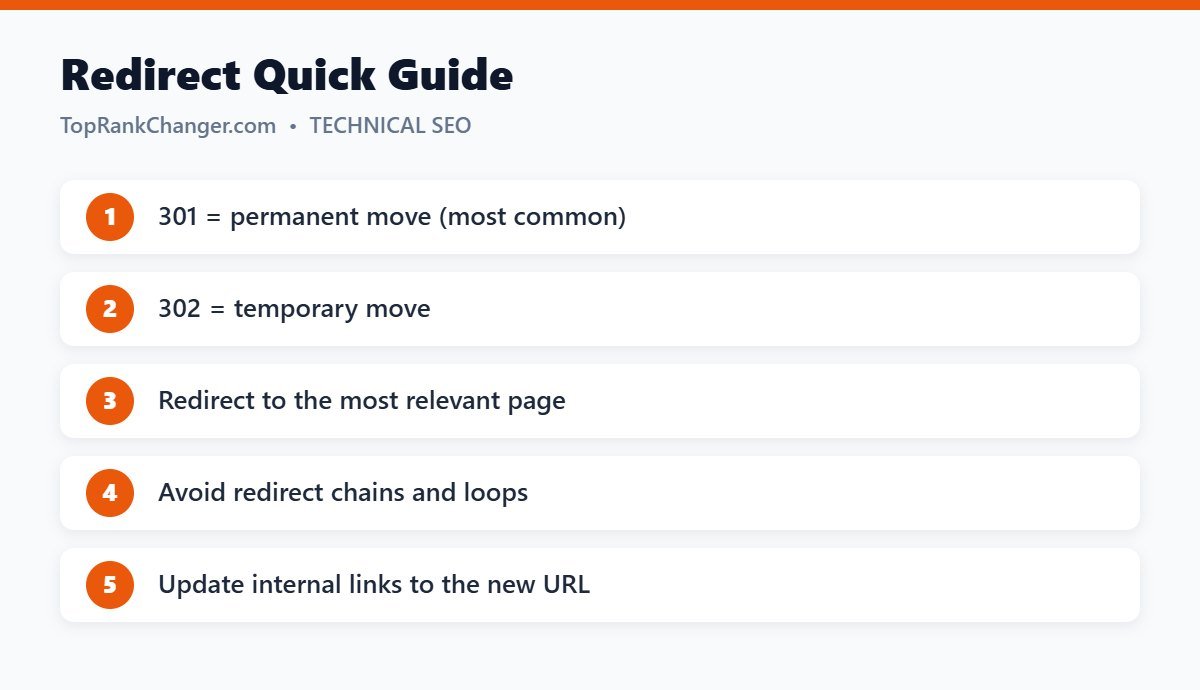
301 vs 302 Redirects: Does It Really Matter?
Google has said that it can eventually treat a long-standing 302 like a 301. Still, using the correct type removes guesswork and helps search engines process your changes faster. As a rule: if you don’t plan to bring the old URL back, use a 301.
Other Redirect Types
- 307 – a temporary redirect similar to 302 that preserves the request method.
- 308 – a permanent redirect similar to 301 that preserves the request method.
- Meta refresh and JavaScript redirects – slower and less reliable; avoid for SEO when possible.
Redirect Best Practices
- Redirect to the most relevant page. Sending every old URL to the homepage is treated by Google like a “soft 404” if the homepage isn’t a real replacement. A closely matching article is always better.
- Avoid chains. A → B → C slows crawling. Point A directly to C.
- Avoid loops. A → B → A breaks the page completely.
- Update internal links so they point straight to the final URL.
- Keep redirects in place for at least a year, and ideally permanently for URLs with backlinks.
How to Set Up Redirects in WordPress
- Redirection plugin (free) – add source and target URLs and choose the redirect type; it also logs 404 errors.
- SEO plugins – some include redirect managers in their premium versions.
- Server level – .htaccess rules on Apache or LiteSpeed servers, best for large migrations.
WordPress also redirects automatically when you change a published post’s slug, but a plugin gives you more control.
Final Thoughts
Use 301s for permanent changes and 302s for temporary ones, redirect to relevant pages and keep your redirect paths short. Combined with fixing broken links, this protects the value you have built. See also canonical tags explained.