Canonical Tags Explained: How to Fix Duplicate URLs the Right Way
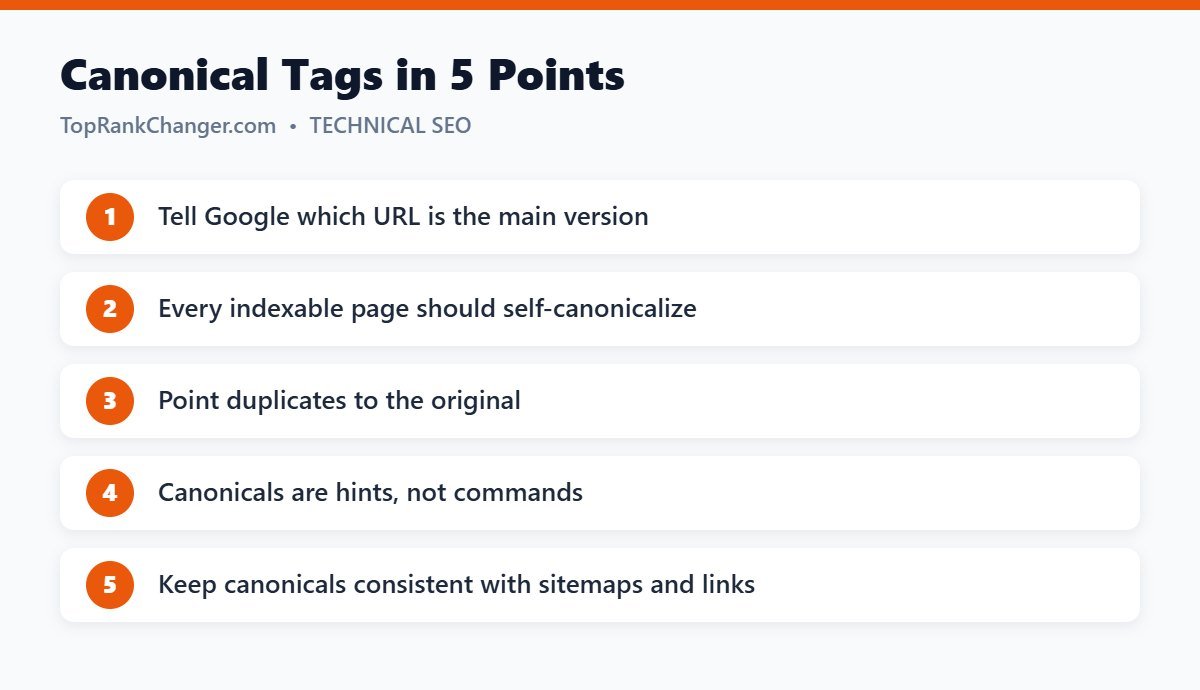
The same content can often be reached through several URLs. Canonical tags tell search engines which version is the “main” one, helping you avoid duplicate content confusion and consolidate ranking signals.
What Are Canonical Tags?
Canonical tags are HTML elements placed in a page’s <head> that point to the preferred URL for that content:
<link rel="canonical" href="https://example.com/blue-widgets/" />They tell Google, “If you find this content at multiple addresses, treat this URL as the original.”
Why Duplicate URLs Happen
- http vs. https, and www vs. non-www versions
- Tracking parameters such as
?utm_source=newsletter - Printer-friendly or AMP versions
- Product pages reachable from several categories
- Content republished on another site
How Canonical Tags Help SEO
- Consolidate signals: links pointing to different versions are combined on the canonical URL.
- Control what appears in search: Google is more likely to show your preferred URL.
- Reduce wasted crawling on large sites.
Canonical Tags in WordPress
WordPress and SEO plugins such as Yoast SEO add a self-referencing canonical tag to every post and page automatically. For most blogs, you don’t need to change anything. In Yoast, you can set a custom canonical URL for a specific post in the Advanced section of the Yoast sidebar if you ever need it.
When to Set a Custom Canonical
- You published two very similar articles and want one to rank (though merging and redirecting is often better).
- You syndicate your article to another site — ask them to add a canonical pointing to your original.
- You have product or landing page variations with almost identical content.
Canonical Tags Are Hints
Google treats canonical tags as a strong signal, not a command. If other signals disagree — for example, your sitemap and internal links all point to a different URL — Google may choose its own canonical. The URL Inspection tool in Search Console shows both the “user-declared” and the “Google-selected” canonical.
Common Mistakes
- Pointing every page’s canonical to the homepage
- Canonicalizing to a URL that redirects or returns a 404
- Using both noindex and a canonical to another page on the same URL, which sends mixed signals
- Listing non-canonical URLs in your XML sitemap
- Canonicalizing paginated pages to page one
Canonical vs. 301 Redirect
Use a 301 redirect when you no longer want the duplicate page to be accessible. Use a canonical tag when both versions need to stay available to users but only one should rank.
Final Thoughts
For most blogs, canonical tags work automatically in the background. Understand what they do, check the Google-selected canonical for important pages now and then, and use custom canonicals only when you have a clear reason.