Robots.txt Guide for Beginners: What It Is and How to Use It Safely
The robots.txt file is a small text file with a big responsibility: it tells search engine crawlers which parts of your site they may or may not visit. Used correctly, it keeps crawlers focused. Used incorrectly, it can hide your whole site from Google.
What Is Robots.txt?
Robots.txt is a plain text file placed at the root of your domain (yourdomain.com/robots.txt) that gives instructions to web crawlers. It follows the Robots Exclusion Protocol, which major search engines respect.
Basic Syntax
User-agent: *
Disallow: /wp-admin/
Allow: /wp-admin/admin-ajax.php

Sitemap: https://yourdomain.com/sitemap_index.xml- User-agent – which crawler the rules apply to.
*means all crawlers. - Disallow – paths crawlers should not visit.
- Allow – exceptions inside a disallowed folder.
- Sitemap – the location of your XML sitemap.
Robots.txt Controls Crawling, Not Indexing
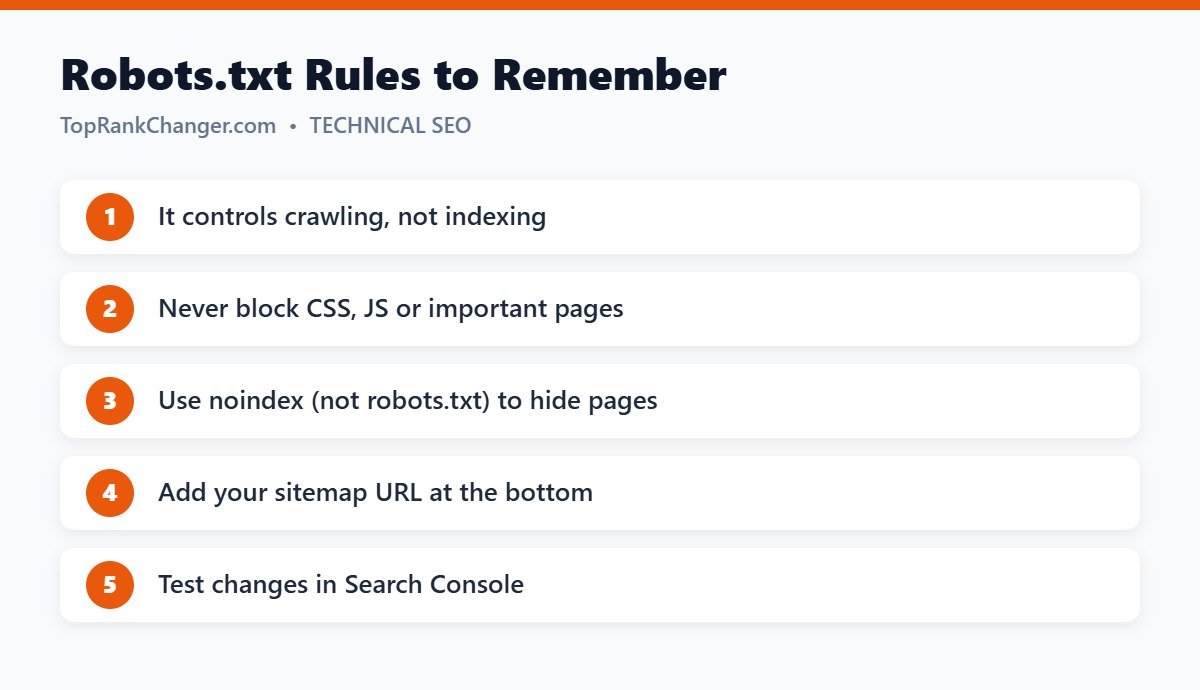
This is the most misunderstood point. Blocking a URL in robots.txt stops Google from crawling it, but Google may still index the URL (without its content) if other pages link to it. To keep a page out of search results, use a noindex meta tag instead — and do not block that page in robots.txt, or Google will never see the noindex tag.
WordPress and Robots.txt
WordPress creates a virtual robots.txt automatically, which is fine for most blogs. SEO plugins like Yoast SEO let you edit it through Yoast SEO → Tools → File editor. A simple, safe version for most WordPress blogs is the example shown above.
What You Should Not Block
- CSS and JavaScript files – Google needs them to render and understand your pages.
- Your uploads folder – otherwise your images can’t appear in Google Images.
- Pages you want to rank – obvious, but accidental blocks are common.
When Blocking Makes Sense
- Internal search result pages (for example
Disallow: /?s=) on large sites - Admin and login areas
- Endless filter or parameter URLs on large e-commerce sites
Small blogs rarely need anything beyond the default rules.
The Most Dangerous Line
User-agent: *
Disallow: /
This blocks crawlers from your entire site. It is sometimes left over from development or staging sites. If your traffic disappears after a launch or migration, check robots.txt first.
How to Check Your Robots.txt
- Visit
yourdomain.com/robots.txtin a browser. - Use Google Search Console’s robots.txt report (under Settings) to see the version Google fetched and any errors.
- Use the URL Inspection tool to confirm important pages are “allowed”.
Final Thoughts
For most blogs, robots.txt should be short and simple: block the admin area, allow everything else and point to your sitemap. When in doubt, block less, not more. Pair it with a clean XML sitemap for best results.