Header Tags (H1 to H6) for SEO: How to Structure Your Content
Headings do more than make a page look organized. They help readers scan, help screen readers navigate, and help search engines understand what each part of your page is about. Here is how to use header tags the right way.
What Are Header Tags?
Header tags are HTML elements from <h1> to <h6> that mark headings and subheadings. H1 is the most important heading on the page, and each level below represents a smaller subsection.
H1: How to Grow Tomatoes in Pots
  H2: Choosing the Right Pot
    H3: Pot Size
    H3: Drainage
  H2: Best Soil for Container Tomatoes
  H2: Watering and Feeding
Why Headings Matter for SEO
- Structure: Headings give Google a clear outline of the topics you cover.
- Readability: Most readers skim. Clear headings help them find what they need, which keeps them on the page.
- Accessibility: Screen reader users often jump between headings to navigate.
- Search features: Well-structured sections make it easier for Google to pull a direct answer for featured snippets.
How to Use the H1
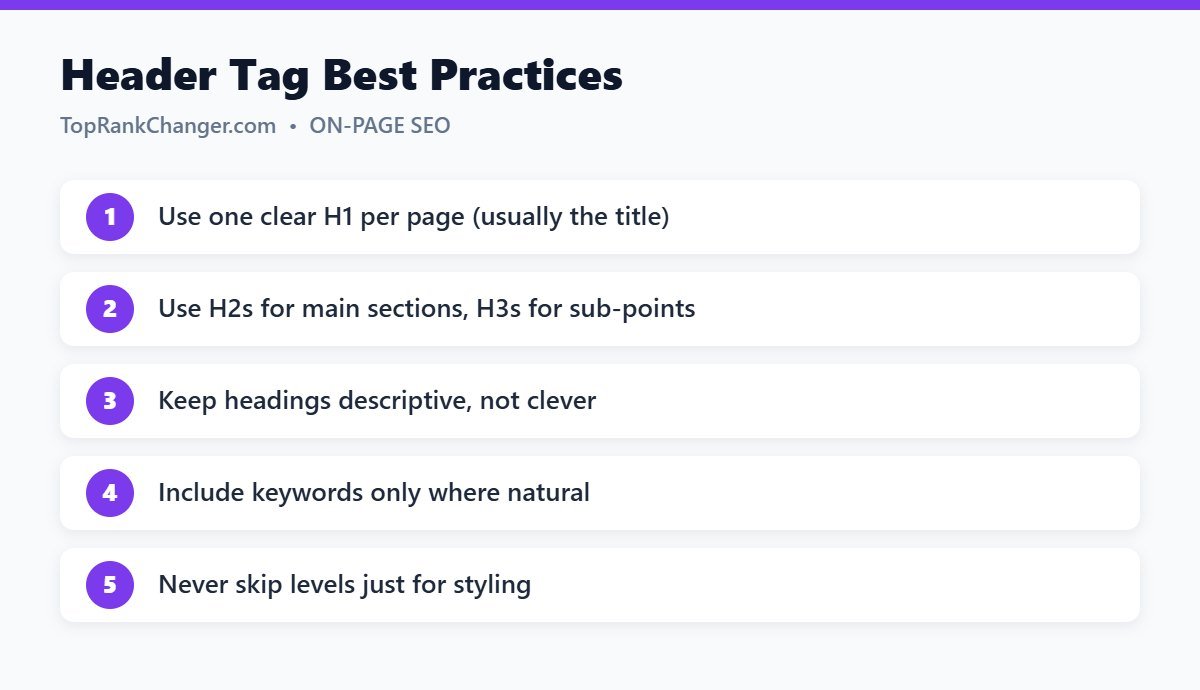
The H1 is the main title of the page. In WordPress, the post title is automatically the H1, so you should not add another H1 inside the content. It should describe the topic clearly and usually contains the main keyword. It can match your title tag or be slightly different.
How to Use H2 and H3
H2s divide your article into main sections. H3s break an H2 section into smaller parts. H4 to H6 are rarely needed in blog posts. A good test: if you read only your headings, you should understand the full structure and main points of the article.
Best Practices
- Be descriptive. “How Often to Water Tomato Plants” beats “Let’s Talk Water”.
- Follow a logical order. Don’t jump from H2 to H4 because you like the font size. Change styles with CSS instead.
- Use keywords naturally. Including your topic in a heading or two helps, but forcing keywords into every heading reads badly.
- Answer questions in headings. Headings phrased as common questions, followed by a direct answer, work well for People Also Ask and featured snippets.
- Keep them concise. Headings are signposts, not paragraphs.
- Don’t use headings for styling. If text isn’t actually a section title, use bold text instead.
Common Mistakes
- Multiple H1s created by adding a heading block set to H1 inside a post
- Very long walls of text with no subheadings
- Headings stuffed with the same keyword
- Theme widgets or sidebars using H1 or H2 tags for non-content items
How to Check Your Headings
Browser extensions like “HeadingsMap” or the Web Developer toolbar display the heading outline of any page. In the WordPress block editor, the Document Overview panel shows your heading structure and warns about skipped levels.
Final Thoughts
Good headings are good writing. Plan them in your outline, keep them clear and logical, and both readers and search engines will understand your content better. For more on-page tips, see our on-page SEO checklist.