Internal Linking for SEO: A Simple Strategy That Boosts Rankings
Internal links are one of the most underrated tools in SEO. They cost nothing, you control them completely, and they help both readers and search engines find and understand your best content. Yet many bloggers publish article after article without linking them together.
What Are Internal Links?
An internal link is a hyperlink from one page on your website to another page on the same website. Your navigation menu, footer links, category pages and the links inside your articles are all internal links. The most valuable ones for SEO are usually contextual links — links placed naturally within the body of your content.
Why Internal Linking Matters for SEO
- Discovery: Googlebot follows links to find pages. New posts with no internal links (orphan pages) may be crawled slowly or not at all.
- Context: The anchor text and surrounding words tell Google what the linked page is about.
- Authority flow: Pages that earn backlinks pass some of that value to the pages they link to. Internal links let you share authority with pages that need a boost.
- Site structure: Links show which pages are most important and how topics relate.
- User experience: Readers discover related articles, stay longer and view more pages.
Internal Linking Best Practices
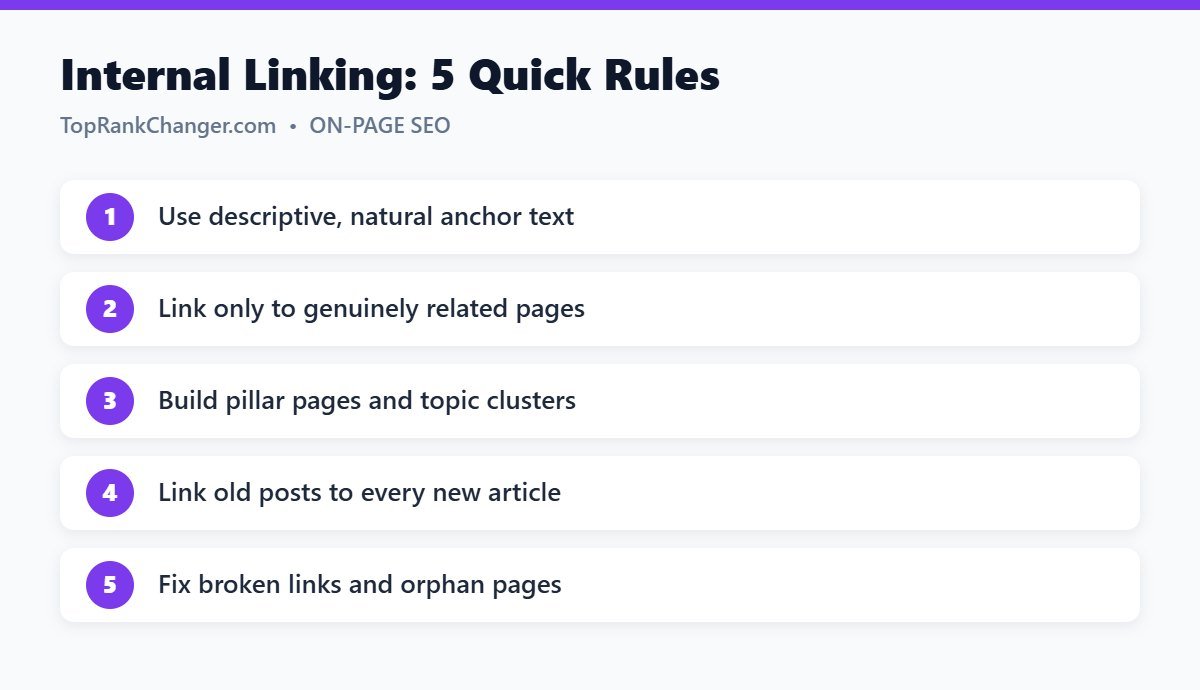
1. Use descriptive anchor text
Anchor text is the clickable text of a link. Instead of “click here” or “read this”, use words that describe the destination, like “keyword research for beginners”. Keep it natural and vary it; you do not need exact-match keywords every time.
2. Link to relevant pages only
A link should help the reader. Linking from an article about coffee grinders to a post about espresso beans makes sense. Linking it to your post about car tires does not.
3. Link from strong pages to important pages
In Google Search Console, the Links report shows which of your pages have the most external links. Add links from those pages to articles you want to rank higher.
4. Build topic clusters
Create a broad pillar page on a main topic and several detailed supporting articles. Link the pillar to each supporting article and each supporting article back to the pillar and to related siblings. This structure clearly signals topical authority. For example, our beginner’s guide to SEO acts as a pillar that links to detailed guides.
5. Update old posts with links to new posts
Whenever you publish, find two or three older related articles and add a link to the new one. A quick way to find them: search Google for site:yourdomain.com topic.
6. Keep important pages close to the homepage
Important pages should be reachable within about three clicks from your homepage. Use menus, category pages and “start here” pages to keep your structure shallow.
7. Don’t overdo it
There is no strict limit, but a paragraph stuffed with links is hard to read. Add links where they genuinely help. A typical 1,500-word article might contain three to ten contextual internal links.
8. Fix broken internal links
When you delete or change a URL, update links pointing to it or set up a 301 redirect. Broken links waste crawl effort and frustrate readers.
A Simple Internal Linking Routine
- When writing, link to two to five related existing articles.
- After publishing, add links to the new post from two or three older articles.
- Once a month, check for orphan pages and broken links.
- Every few months, review your top pages and make sure they link to your newest important content.
Tools That Help
- Google Search Console – the Links report shows internal link counts per page.
- SEO plugins – Yoast SEO and Rank Math offer link suggestions in their premium versions.
- Site crawlers – tools like Screaming Frog (free up to 500 URLs) find broken links and orphan pages.
Frequently Asked Questions
Should internal links open in a new tab?
Generally no. Internal links usually open in the same tab, which is what most users expect.
Should internal links be nofollow?
No. Internal links should normally be regular followed links so that search engines can crawl them and pass value.
Final Thoughts
Internal linking is quick, free and completely within your control. Make it part of your publishing routine, and you will help Google discover your content faster, understand your site better and rank your most important pages higher.