Crawl Budget Explained: Does Your Small Website Need to Worry?
Crawl budget is a popular SEO term, and it can sound worrying. For most blogs and small business sites, though, it isn’t a problem. Here is what crawl budget means and when it actually matters.
What Is Crawl Budget?
Crawl budget is the number of URLs Googlebot can and wants to crawl on your site in a given time. Google describes it as a combination of two things:
- Crawl capacity limit – how much crawling your server can handle without slowing down.
- Crawl demand – how much Google wants to crawl your URLs, based on popularity and how often content changes.
Who Needs to Worry?
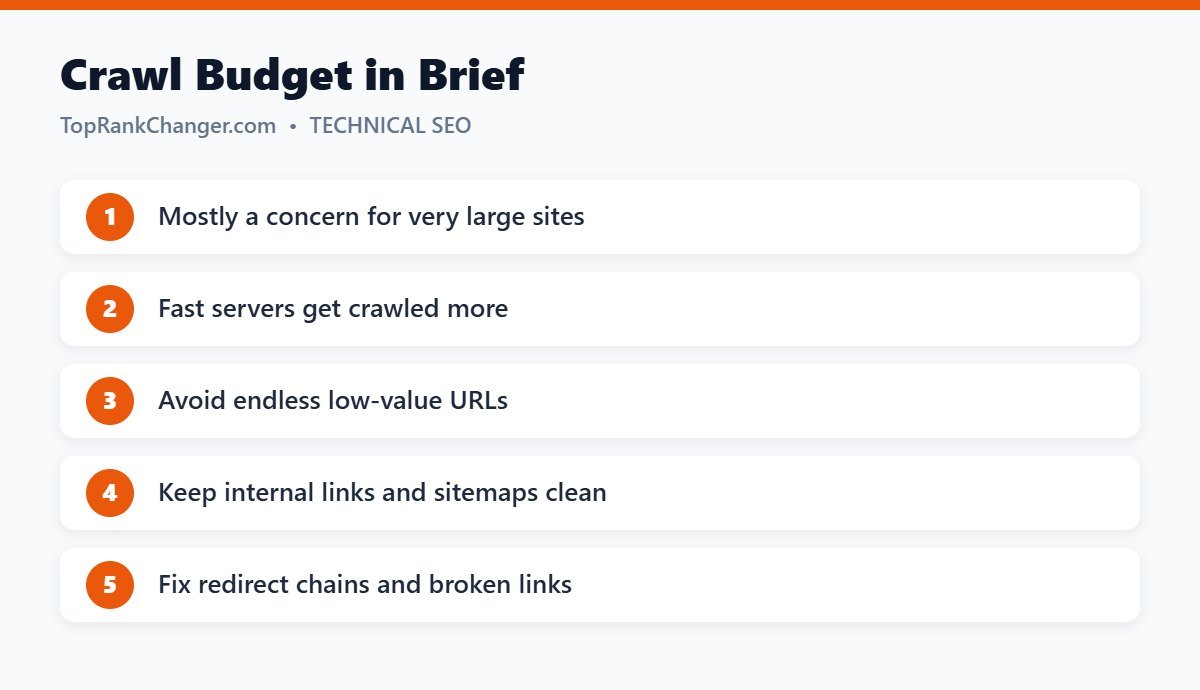
Google’s own documentation says crawl budget is mainly a concern for very large sites (hundreds of thousands or millions of pages) or medium-large sites with content that changes very frequently. If your site has a few hundred or a few thousand pages and new posts get indexed within days, you don’t need to worry.
Signs of Crawl Problems
- Many URLs stuck as “Discovered – currently not indexed” for a long time
- New pages taking weeks to be crawled
- Crawl stats in Search Console showing slow server responses or many errors
How to Help Google Crawl Efficiently
- Keep your server fast: slow responses reduce crawling.
- Avoid infinite URL spaces: filter, sort and calendar parameters can create endless URLs.
- Consolidate duplicates: see duplicate content and SEO.
- Fix redirect chains and broken links.
- Keep your sitemap clean with only indexable URLs — see XML sitemaps explained.
- Use internal links to highlight important pages.
- Improve content quality: higher-value pages increase crawl demand.
Check Your Crawl Stats
In Search Console, go to Settings → Crawl stats to see total crawl requests, average response time and response codes. Sudden drops or spikes in errors are worth investigating.
Final Thoughts
For most small sites, crawl budget takes care of itself. Keep your site fast, clean and well linked, and focus your energy on creating content worth crawling.